
Demystifying AI model parameters: A guide to temperature, top p, and more
A practical guide to LLM settings like temperature, top p, penalties, and stop sequences: what each parameter does and when to adjust it for factual or creative output.


Working with Large Language Models (LLMs) can often feel like a black box. You give it a prompt, and it generates a response. But for brands and content creators aiming for high AI Visibility (the likelihood that LLMs like ChatGPT, Claude, and Perplexity accurately mention and describe them), simply prompting isn't enough. You need to control the output. This is where AI model parameters come in.
These aren't the billions of internal parameters the model learns during training. Instead, they are user controlled settings that act as a "control panel" for the AI's generation process. By adjusting them, you can fine-tune the model's behavior to get the predictable, factual, or creative output you need. Think of it as being a chef: the model is the kitchen, the prompt is your recipe, and these parameters are the seasonings you use to adjust the final flavor.
For brands using platforms like Mention Network to improve their AI Visibility, understanding these parameters is crucial. It allows you to generate content that is valuable to human readers and structured for accurate retrieval and citation by AI. Below: the most common LLM parameters, what they do, and, more importantly, when and how to use them.
In this piece:
- What LLM temperature actually controls
- Temperature by task: the decision table
- Top-p, or nucleus sampling: the alternative dial
- Top-k: the third randomness knob
- Frequency and presence penalties: repetition control
- Max tokens and stop sequences: shape the output
- Provider defaults, side by side
- A Python example
Temperature: The creativity dial
Temperature is one of the most widely used parameters for controlling an LLM's output. It's a single value that determines the level of randomness and creativity in the response.
What is temperature?
Think of temperature as the AI's "creativity dial." Every time a language model generates a word, it's essentially picking from a list of possibilities, each with a different probability.
- When you set a low temperature, you're telling the AI to play it safe. It will almost always choose the most probable, most common words. This makes the output predictable and factual, perfect for tasks where you can't afford any wild guesses.
- When you crank up the temperature, you're giving the AI permission to be more adventurous. It starts considering words with lower probabilities, which can lead to more surprising, creative, and diverse outputs. This is great for brainstorming or writing stories where you want a bit of flair.
In short, a low temperature means predictable, consistent text, while a high temperature means more creative, varied text.
When to use different temperature settings
Choosing the right temperature is like picking the right tool for the job.
- When to be Factual (Low Temperature): If you're writing something that needs to be accurate and reliable, like a report, a summary, or a piece of code, keep the temperature low. You want the AI to stick to the facts and not get too creative. It's like asking for a detailed recipe - you don't want it to suddenly suggest adding sprinkles to your steak.
- When to be Balanced (Medium Temperature): For most general writing, a medium temperature is perfect. This is great for blog posts, emails, or marketing copy. It allows the AI to be engaging and creative, but it still keeps the text grounded and coherent. It's like having a friendly chat where you might tell a joke, but you're not going completely off the rails.
- When to be Creative (High Temperature): If you're looking for inspiration or need to generate something truly unique, like poetry, song lyrics, or brainstorming new ideas, turn the temperature way up. This tells the AI to be your wildest creative partner. The results might be a bit out there, but that's exactly what you want when you're looking for something fresh and original.
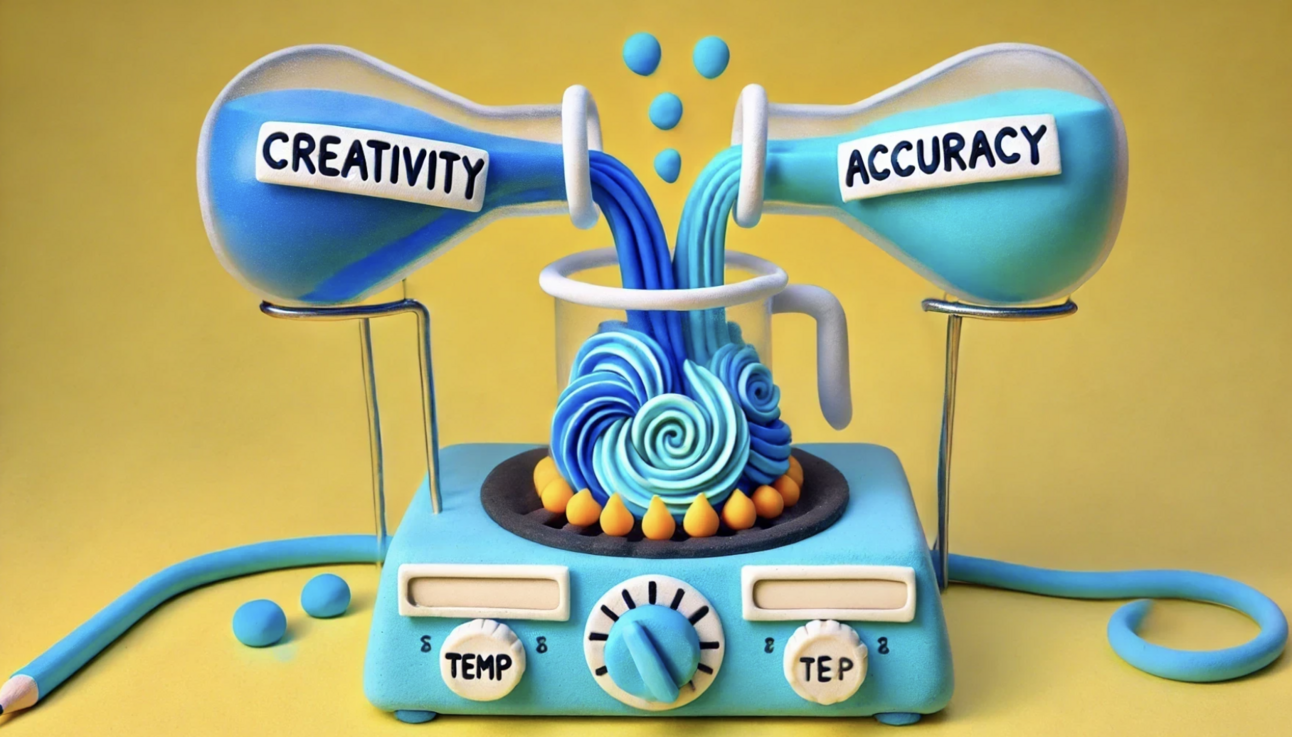
Temperature: The Creativity Dial
Top p (nucleus sampling): The probability threshold
While temperature affects the entire probability distribution, "top_p" (also known as nucleus sampling) controls randomness by setting a cumulative probability threshold.
What is top p?
Instead of adjusting probabilities, "top_p" dynamically limits the pool of tokens the model can choose from. The model ranks all possible next tokens by their probability and then selects only from the smallest set of tokens whose cumulative probability is greater than or equal to "top_p".
- High Top P: The model considers a wider range of tokens, allowing for more diverse and creative responses.
- Low Top P: The model's choices are restricted to a very small set of the most probable tokens, leading to highly conservative and predictable output.
Temperature vs. top p: Which to use?
The general recommendation is to use one or the other, but not both, for predictable results. Here’s a quick breakdown to help you decide:
- Temperature is best for tasks where you want a consistent level of "creativity" across the entire response. It scales the entire probability distribution.
- Top P is best for tasks where you want the model to stay within a high-probability set of words, regardless of the distribution's shape. It dynamically adapts the size of the token pool based on the model's confidence.
For greater precision, lower the temperature. For creative flair, raise it. For a balance of variety and safety, use a high top_p.
Other key parameters you need to know
Beyond randomness, other parameters are crucial for controlling the length, structure, and style of the output. These are especially important for generating structured content that is easy for LLMs to parse and cite.
- Max Output Tokens: This sets a hard limit on the total number of tokens the model can generate. For brand-focused content, this is essential for maintaining a specific article length and managing costs associated with token usage on platforms like Mention Network.
- Frequency and Presence Penalties: These parameters are designed to manage repetition. Frequency penalty reduces the likelihood of a word being selected the more it has already appeared. Presence penalty discourages a word from being used at all if it has appeared even once, encouraging the model to use new vocabulary.
- Stop Sequences: This is a custom string that, when generated by the model, causes it to immediately stop. This is a powerful tool for creating structured outputs. For example, if you are generating a list, you could use a stop sequence like "\n\n" to prevent the AI from adding extra text after the list is complete.

Other Key Parameters You Need to Know
Best practices for parameter tuning
For brands using Mention Network, mastering these parameters is a key part of an effective AI Visibility strategy.
- Start with the Defaults: Most LLM providers have sensible default settings. Begin there and adjust one parameter at a time to see its effect.
- Experiment and Iterate: The best settings are often task-specific. Test different values and compare the outputs to find what works best for your brand's unique voice and content goals.
- Use the Right Tool for the Job: Don't use a high temperature for a task that requires precision, and don't use a low "top_p" for a task that needs creativity. Match your parameters to your desired outcome.
By understanding and consciously adjusting these "LLM parameters", you move from being a passive user of AI to an active collaborator. You shape the model's output to your specific needs, and that feeds directly into your brand's AI Visibility.
FAQ
Q: Can I use both temperature and top_p at the same time?
A: Yes, but it's generally not recommended for beginners. Using both can lead to unpredictable results because they have overlapping effects on token selection. It's often best to stick to one at a time to have more granular control.
Q: What's the difference between frequency penalty and presence penalty?
A: Frequency penalty reduces the chance of a word being repeated based on how many times it has already appeared. Presence penalty reduces the chance of a word being repeated just for being present in the text once, which encourages a broader range of vocabulary.
Q: Do these parameters work for all AI models?
A: While most modern LLMs use some form of these parameters, the specific names and ranges may vary between platforms (e.g., OpenAI, Hugging Face, Google Gemini). Always check the documentation for the specific model or API you are using.
Q: What is greedy decoding?
A: Greedy decoding is the simplest form of text generation, where the model consistently chooses the single most probable token at each step. This is equivalent to setting a temperature of 0. It results in the most deterministic output but can often get stuck in repetitive loops or miss more creative alternatives.