
Shopify to Google Merchant Center: Your Product Feed for AI Shopping (2026)
Your Google Merchant Center feed is the structured product data that powers Google Shopping, free listings, and now Google's agentic shopping. Here's how to get your Shopify catalog in clean, and which attributes actually matter.

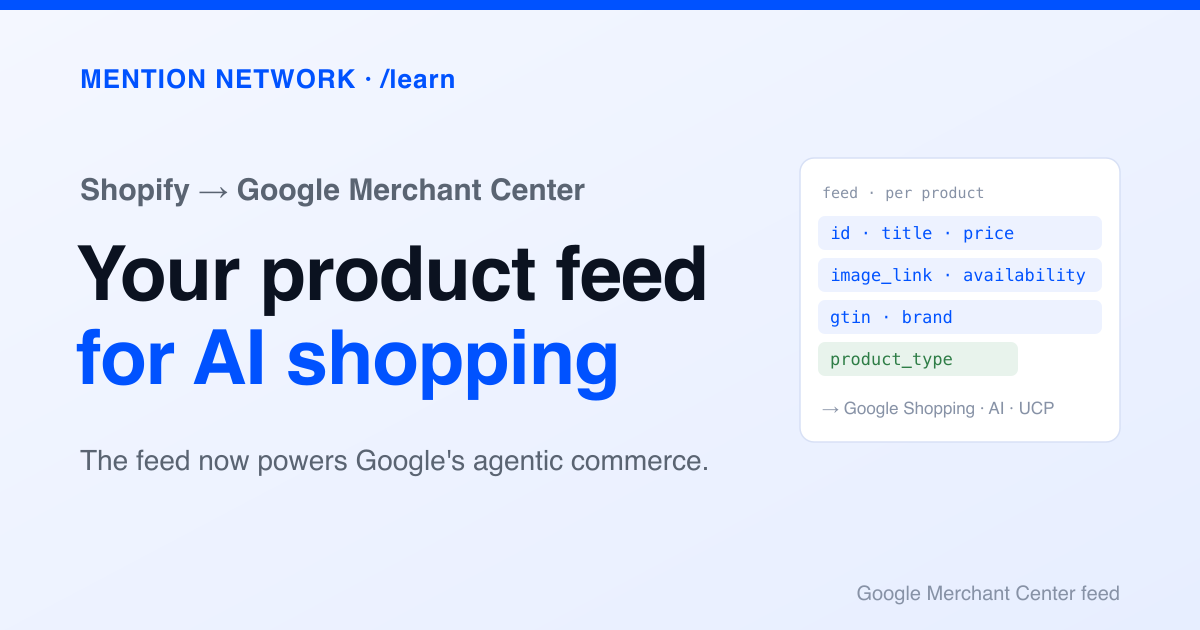
Most store owners think of Google Merchant Center as the thing behind Shopping ads. That was true. It's now the structured product feed that powers Google Shopping, free product listings, and Google's agentic shopping, where an AI answers a shopping question and can act on it. Same feed, far more surfaces. If your Shopify catalog reaches Merchant Center clean and complete, you show up across all of them. If it's messy, you're invisible in places you didn't know existed.
This guide covers connecting Shopify to Merchant Center, the attributes that matter, and why a clean feed is now an AI-visibility move. It builds on the structured data AI reads from your store.
What Merchant Center actually is
Google Merchant Center is where your product data lives as a structured feed: one row per product, each with a defined set of attributes. Google reads that feed to decide what to show, where, and to whom. Your Shopify store is the source. The feed is the machine-readable copy Google works from.
The important shift is what reads the feed. Beyond Shopping ads and free listings, Google's Universal Commerce Protocol uses Merchant Center attributes for agentic commerce, the mode where an AI assistant surfaces and acts on products. Your feed is becoming the interface between your catalog and AI shopping agents.
Connect Shopify to Merchant Center
Shopify makes the connection direct. You don't hand-build a feed file.
- Install the Google & YouTube app from the Shopify App Store.
- Connect your Google account and your Merchant Center account (create one if you don't have it).
- Shopify syncs your products into Merchant Center as a feed and keeps it updated as your catalog changes.
- Open Merchant Center and work through any disapprovals or warnings on your products.
The connection is the easy part. The work is in what the feed contains, because Shopify maps your product fields to Google's attributes, and gaps in your product data become gaps in the feed.
The attributes that matter
Google's product data specification defines the attributes. You don't fill every one, but you can't skip the required set, because a product missing a required attribute won't serve at all.
A few attributes do outsized work. gtin (the barcode) lets Google match your product to the same item across the web, which improves ranking and eligibility. product_type and Google's product category place you in the right shopping surface. availability and price must stay accurate, because a mismatch between feed and landing page is a common disapproval.
Two 2025 changes worth noting: Google removed the energy_efficiency_class attributes, and pickup_method became optional for local inventory. Feed requirements shift, so treat Merchant Center's diagnostics as a live checklist.
Fix the feed at the source
Most feed problems trace back to thin product data in Shopify. That's good news, because fixing them at the source improves your feed, your on-page schema, and your product JSON at once.
- Barcodes: fill the GTIN field on variants so
gtinpopulates. - Titles: front-load brand and key attributes, since the feed title is what Google matches against a query.
- Categories: set a real product type and map to Google's product category.
- Structured attributes: use Shopify metafields for color, size, material, and gender so they flow into the feed instead of sitting in prose.
For control beyond what the sync gives you, Merchant Center feed rules let you transform attributes, and supplemental feeds let you add data without changing Shopify.
Feed and schema are two doors to the same house
A reasonable question: if you have schema markup, do you need a feed? They overlap but open different surfaces. On-page schema can earn product rich results with no feed at all. Merchant Center powers Shopping, free listings, and the agentic surfaces. Most serious stores run both, and both draw from the same clean product data, so the effort compounds.
Why a clean feed is now an AI-visibility move
The reframe is simple. Your Merchant Center feed used to be an ads asset. It's now one of the main ways your products become legible to Google's AI and agentic shopping. When those systems answer a shopping request, they reach for structured feed data, not your storefront design. A complete, accurate feed is table stakes for being considered.
And being considered is not the same as being recommended. Whether AI actually surfaces your store, once your data is clean, is the part you measure.
Is AI recommending your store? Check free.
Frequently asked questions
How do I connect Shopify to Google Merchant Center?
Install the Google & YouTube app from the Shopify App Store, connect your Google account and Merchant Center, and Shopify syncs your products as a feed automatically. You then fix any disapprovals in Merchant Center.
What product feed attributes does Google Merchant Center require?
The always-required attributes are id, title, description, link, image_link, price, and availability. Apparel and some categories also require brand, gtin, color, size, gender, and age_group. GTIN and product type are strongly recommended for everything.
Do I still need Merchant Center if I have schema markup?
They serve overlapping but different surfaces. On-page schema markup can earn product rich results without a feed. Merchant Center powers Google Shopping, free listings, and Google's agentic shopping surfaces. Most serious stores want both.
Why does my Google Merchant Center feed matter for AI shopping?
Google's agentic shopping and its Universal Commerce Protocol read Merchant Center product data to answer and act on shopping requests. A clean, complete feed is how your products become visible to those AI surfaces, not just Shopping ads.