ChatGPT Brand Correction: How to Fix Wrong AI Brand Information (2026)
ChatGPT giving wrong answers about your brand? A step-by-step GEO framework for diagnosing AI inaccuracies, correcting authoritative sources, and monitoring whether the fixes stick.


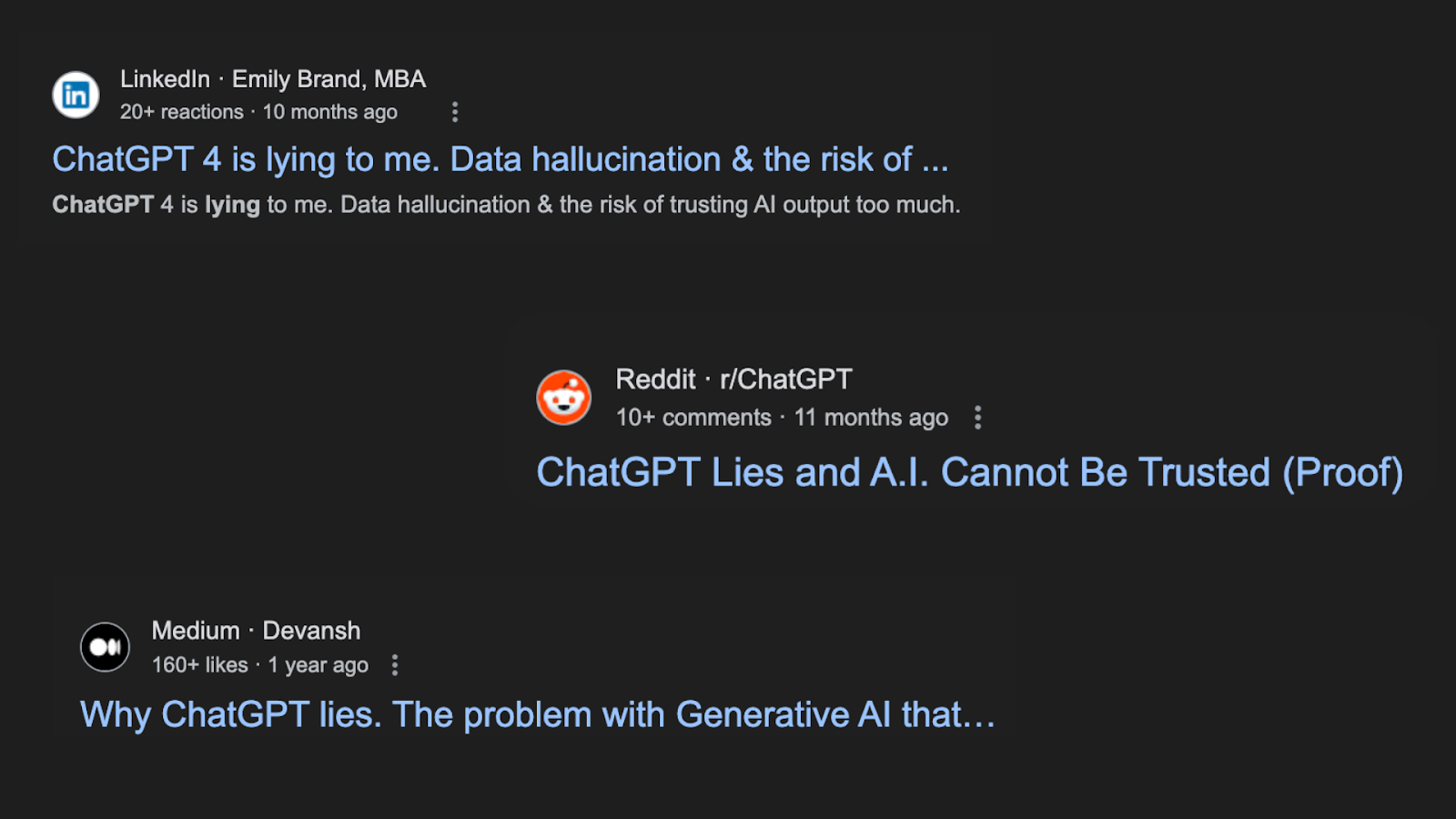
You asked ChatGPT a simple question about your brand, and it gave a confident, yet completely wrong, answer. It’s a jarring and increasingly common discovery for brand managers everywhere. Knowing how to correct AI brand information, quickly and durably, is now part of protecting your reputation, because these inaccuracies are a significant threat to it.
While your first instinct might be to find an "edit" button, you can't simply log in and change an LLM's knowledge. But you are not powerless. This guide answers the most urgent questions about this problem and provides a direct, step-by-step framework for correcting the record and regaining control of your brand's narrative in the age of AI.
TL;DR: You can't edit an LLM directly. To fix wrong AI answers about your brand, use Generative Engine Optimization (GEO): (1) document the exact error and which models show it, (2) correct the high-authority sources you own (website, Wikipedia/Wikidata, Google Business Profile), (3) publish a definitive "source of truth" page, (4) influence third-party sites that repeat the error, then (5) monitor whether the correction sticks. It's a consensus game, not a button, so expect weeks to months.
In this guide:
- Why ChatGPT gets your brand wrong
- What is the right way to correct an AI?
- Step-by-step correction
- How do you know if your corrections are working?
- Frequently Asked Questions (FAQ)
Why ChatGPT gets your brand wrong
Before you get to the solution, it helps to understand why a direct edit is impossible. Answering this question requires a basic understanding of how these powerful models work.
How do LLMs actually learn?
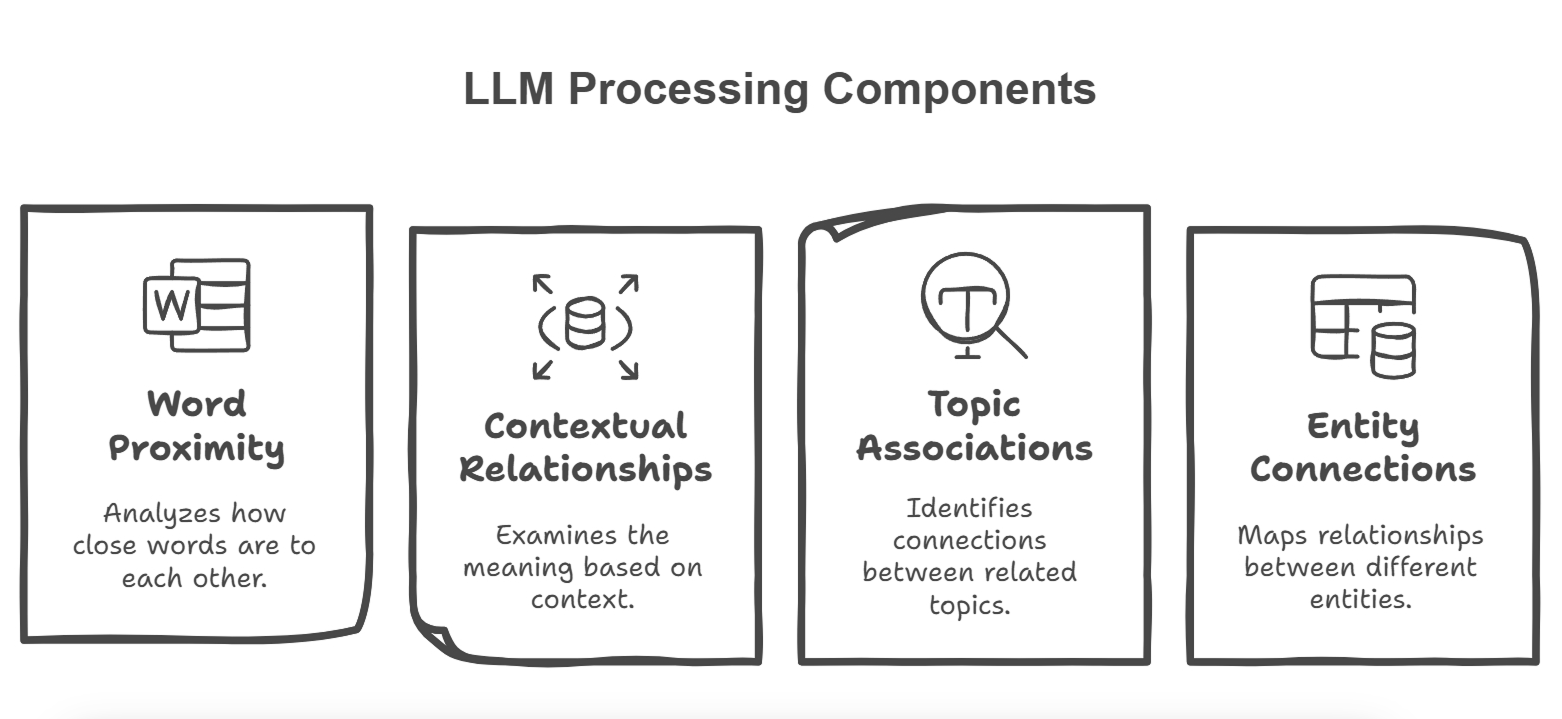
Large Language Models (LLMs) are trained on massive, static snapshots of the public web, not queried live like Google Search. An LLM's core knowledge is established during its initial training. They learn by identifying patterns and what appears to be the consensus on a topic from their training data. To change the answer, you must change the data they learn from.
Why are feedback buttons not a quick fix?
Using the "thumbs up/down" feedback buttons on platforms like ChatGPT is helpful for the AI provider's long-term research, but it is not a reliable or timely method for correcting a specific factual error about your brand. It sends a signal, but it doesn't guarantee a change.
What is the right way to correct an AI?
The correct, long-term way to correct AI brand information is through an ongoing, strategic methodology, not a one-time edit. This is the foundation of a strong AI Visibility program.
What is generative engine optimization (GEO)?
The right way to influence AI is through Generative Engine Optimization (GEO). This is the strategic process of improving your brand's data and digital footprint to be more accurately understood, interpreted, and trusted by AI models. It's a shift from the old world of SEO vs. GEO: you are optimizing for truth. Correcting wrong facts is one half of the job; the other half is broader AI product visibility, making sure AI recommends you at all.
What is the "overwhelming consensus" principle?
The core principle of GEO-based correction is to create an "overwhelming consensus" of correct, consistent, and authoritative information about your brand across the web. The goal is to make the right fact so prominent and trustworthy that it becomes the new consensus for the AI to learn from during its next data refresh or update cycle.
Step-by-step correction
Follow this five-step workflow to systematically correct AI brand information and manage your brand information across AI models:
- Document and diagnose the exact error and which models repeat it.
- Correct the sources you own: your website, Wikipedia/Wikidata, and Google Business Profile.
- Create a new "source of truth" page that definitively refutes the inaccuracy.
- Influence third-party sites that echo the wrong fact.
- Monitor whether the correction is adopted by the AIs over time.
Each step is expanded below.
Step 1: How do you document and diagnose the error?
You cannot fix a problem you haven't clearly defined. Before taking any action, create a precise record of the error.
- Which LLM(s) are showing the error? (e.g., ChatGPT, Gemini, Claude).
- What was the exact prompt you used? (e.g., "When was [Your Company] founded?").
- What was the incorrect answer? (Quote it verbatim).
- What is the 100% correct information? (e.g., "The correct founding date is March 2012.").
Step 2: Where should you start correcting information?
Your correction campaign must start with the high-authority digital properties you control directly. These are often the first places an AI model looks for trustworthy data.
Your High-Priority Audit Checklist:
- Your own website's "About Us," "Press," and "Contact" pages.
- Your official Wikipedia and Wikidata entries.
- Your Google Business Profile.
- Your LinkedIn Company Page and Crunchbase profile.
Step 3: How do you create a new "source of truth"?
Actively create new, definitive content on your own website that directly and clearly refutes the AI's inaccuracy. This gives AIs and human researchers a clear, authoritative source to cite and learn from. For example, if an AI misstates your product's key feature, publish a detailed blog post or even a technical whitepaper titled "An In-Depth Look at [Correct Feature] in Our Product." You can then promote this through a press release and other channels.
Step 4: How do you influence data you don't control?
This is the most challenging step: correcting information on third-party sites.
- Media Outreach: Politely contact journalists and editors of publications that have published the wrong information, providing a link to your "source of truth" content as proof.
- Partner Websites: Reach out to partners, resellers, or affiliates to ensure your information is correct on their sites.
- Review Sites & Forums: If you see the incorrect fact being repeated in user reviews or forums, reply with a helpful, public correction.
How do you know if your corrections are working?
This process is effective, but it is also manual and time-consuming. How do you decide which inaccuracy to tackle first? And crucially, how do you monitor if your corrections are being adopted by the AIs without spending all day prompting them?
This is where the ability to measure your brand's AI Visibility with specialized tools becomes essential for an efficient strategy. Prompting each model by hand doesn't scale, so you need something that watches every major LLM continuously and tells you when a correction has landed.
How Mention Network helps you correct AI brand information
Mention Network is an AI visibility platform built to run the diagnose-and-monitor half of this workflow for you, so you spend your time correcting sources instead of manually re-prompting ChatGPT. In practice it:
- Finds the inaccuracies by asking ChatGPT, Gemini, Google AI Mode, and Claude the questions your customers ask, then flagging every wrong or missing brand fact in one AI Visibility Report.
- Prioritizes the fixes, so you know which inaccuracy to tackle first instead of guessing.
- Tracks whether your corrections stick across each model over time, showing you when a GEO fix has been adopted, the evidence you need to prove progress to leadership.
This evidence-based approach is also critical for understanding the future of AI recommendations and your brand's place in it.
Run a free check: See how AI answers describe your store right now: run a free AI visibility check.
Tool Comparison: Brand Monitor vs. Correction Tools
To effectively monitor and correct your brand information, you need the right tools. Here is how different approaches compare:
| Approach / Tool | Speed & Effort | Coverage | Best For |
|---|---|---|---|
| Manual Prompting | Slow, highly manual | Very limited (1-2 models) | Ad-hoc checks, zero budget |
| Traditional SEO Tools | Moderate | Only Google's AI results / traditional SERP | Traditional web visibility |
| AI Brand Correction Tools (e.g., Mention Network) | Fast, automated re-checks | Comprehensive (ChatGPT, Gemini, Google AI Mode, Claude) | Ongoing monitoring, detecting hallucinations, and tracking correction success |
Frequently Asked Questions (FAQ)
ChatGPT shows wrong info about my business, how to fix it?
To fix wrong info in ChatGPT, you cannot edit the model directly. Instead, you must apply Generative Engine Optimization (GEO): identify the exact error, update your official "source of truth" (your website, Wikipedia, Google Business Profile), and build a consensus of accurate information across third-party sites that the AI uses for its training data.
Can I get alerts when my brand is mentioned incorrectly by AI?
Yes. An AI brand correction tool or an AI visibility platform like Mention Network lets you monitor your brand with repeatable checks. These tools track how various LLMs (ChatGPT, Gemini, Google AI Mode, Claude) answer prompts about your brand, so every check flags hallucinations or inaccuracies for you to correct.
How long does it take for an LLM to "learn" a correction?
It varies greatly depending on the authority of the sources you change and the AI provider's own schedule for data refreshes and model updates. It could be weeks or many months. GEO is a long-term strategy.
Will paying for ChatGPT Plus let me fix my brand information?
No. Premium subscriptions to AI services provide advanced features and access for the user, but they do not grant any special privileges or tools to edit the model's underlying knowledge base. The correction process is the same for all users.