
WooCommerce AI Visibility: The Brand Field AI Can't Read
WooCommerce 9.6 added a Brands taxonomy, but it does not reach the schema and feed AI shopping engines read. Add brand in 3 places, then measure what AI answers.

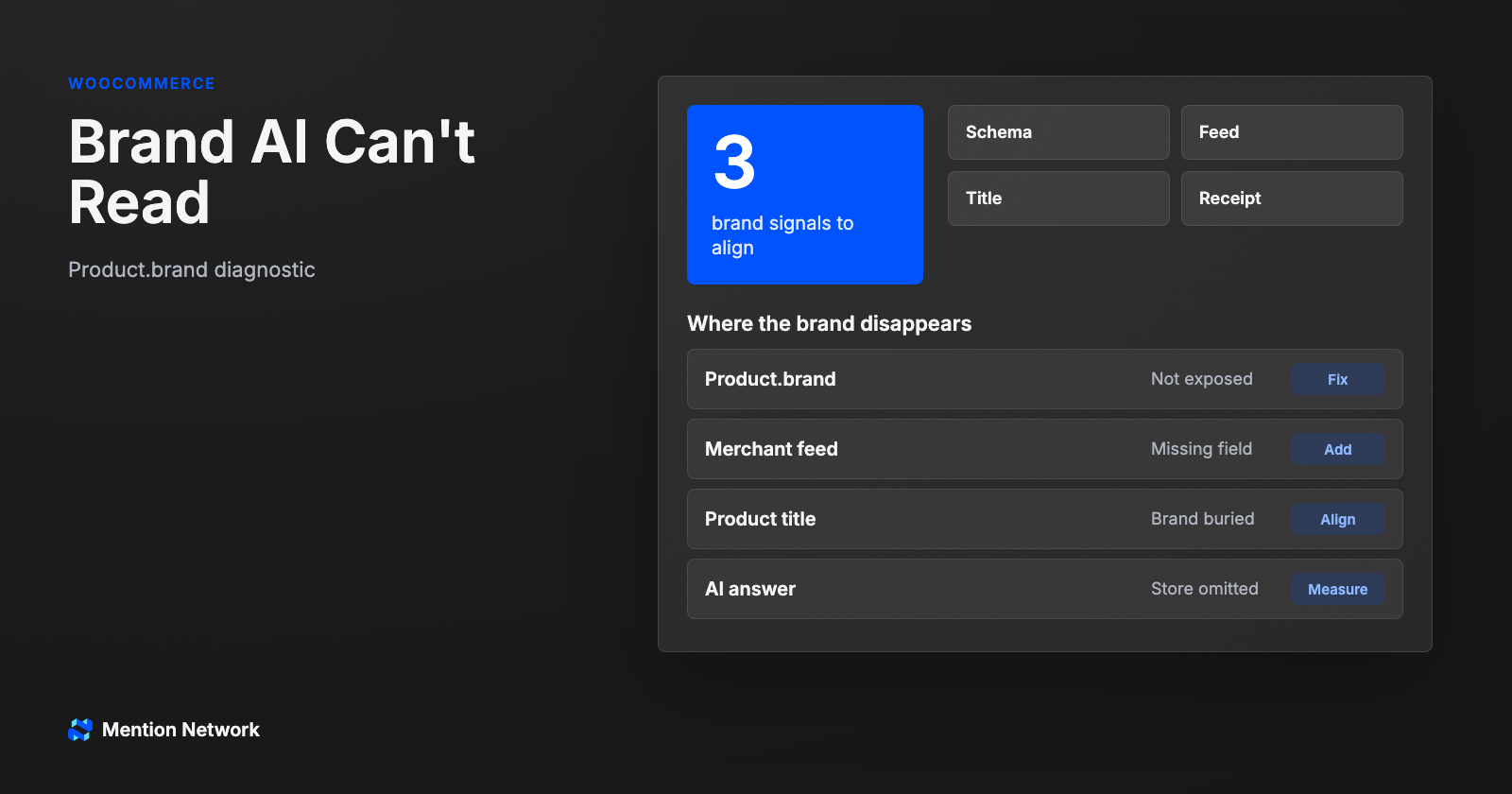
For a decade, "add your brand" in SEO meant a logo, a title tag, and maybe an Organization schema block. Search engines figured out the rest from links and context. AI shopping breaks that habit, because a shopping engine does not infer your brand from the vibe of your homepage. It reads a data field. And on WooCommerce, that field is often blank.
TL;DR: WooCommerce AI visibility comes down to one field most stores never fill: brand. WooCommerce 9.6 (January 2025) enabled a core Brands taxonomy by default, but that taxonomy does not write Product.brand into your structured data or your product feed, which is where AI shopping engines actually read brand. Verified as of July 23, 2026. Put your brand in 3 places (schema, feed, product title), then confirm with a free AI Visibility Check that reads 20 of 20 raw answers per product.Why AI gets your WooCommerce brand wrong
Here is the failure most merchants never see. In testing, the same product read two different ways depending on one thing: whether the brand token survived in the string the model got. Truncate a title down to a generic phrase and the engine fills the gap with a brand it has seen more often.
Your storefront looks fine to you. The logo is there, the brand is in the page title, and since the 9.6 update in January 2025 it is even sitting in WooCommerce's own Brands field. To the buyer's AI assistant, none of that is guaranteed to arrive. The assistant never opens your admin. It reads the version of your product that survives into structured data and feeds, and if the brand did not make that trip, the engine works with whatever is left.
What AI actually reads as your brand
AI shopping is feed-based. Engines ingest structured product data, they do not crawl your store and guess. Think of it like the gap between what a shopper sees and what Googlebot crawled, except the stakes moved from rank to whether you exist in the answer. Google's Shopping Graph alone holds more than 35 billion product listings and counting, fed by Merchant Center and structured data on the page. If your brand is not in that machine-readable layer, it is not in the shortlist.
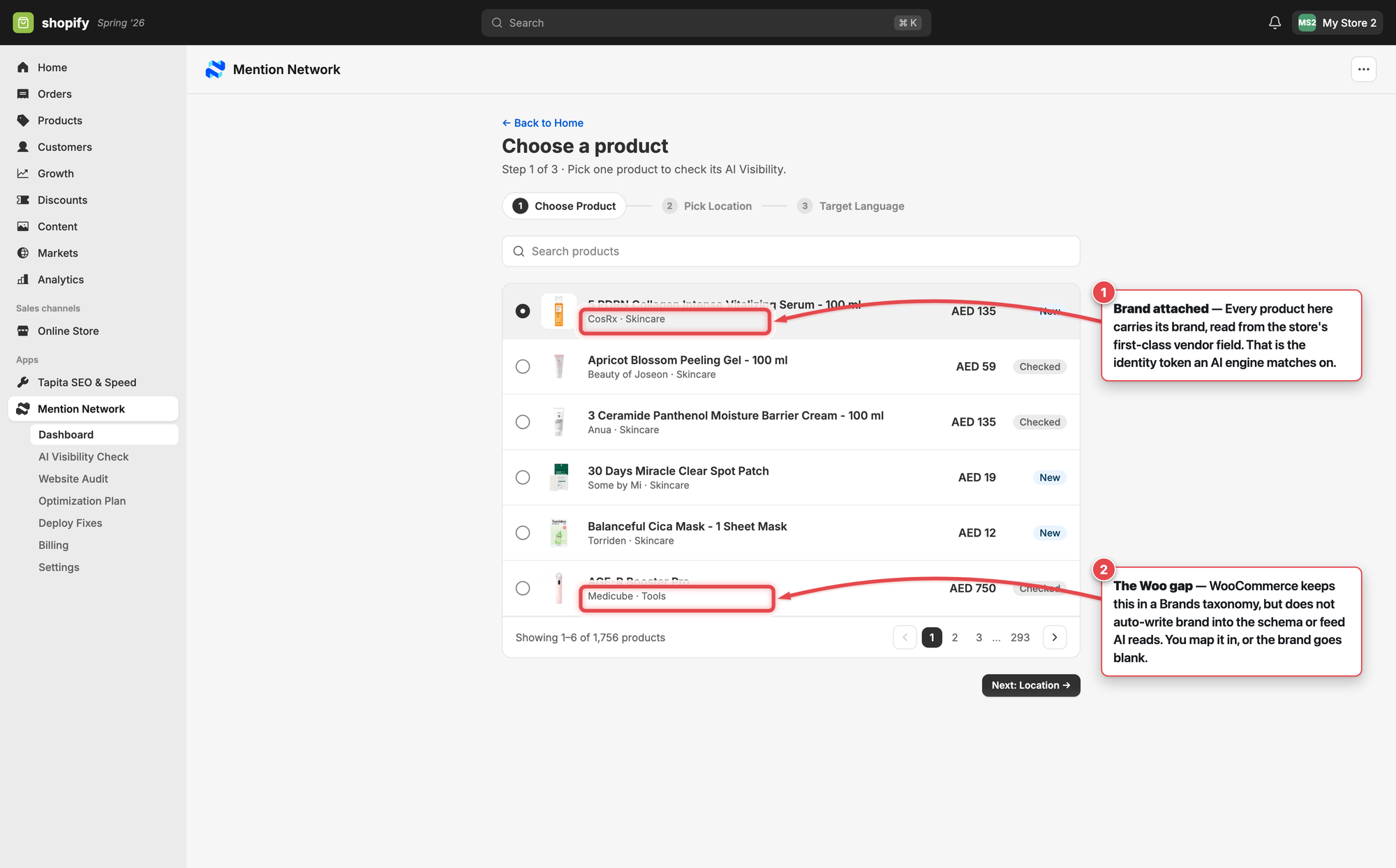
Here is what "brand attached" looks like when an engine can read it. Every product below carries its brand, pulled from a first-class store field, which is the exact token AI matches on.
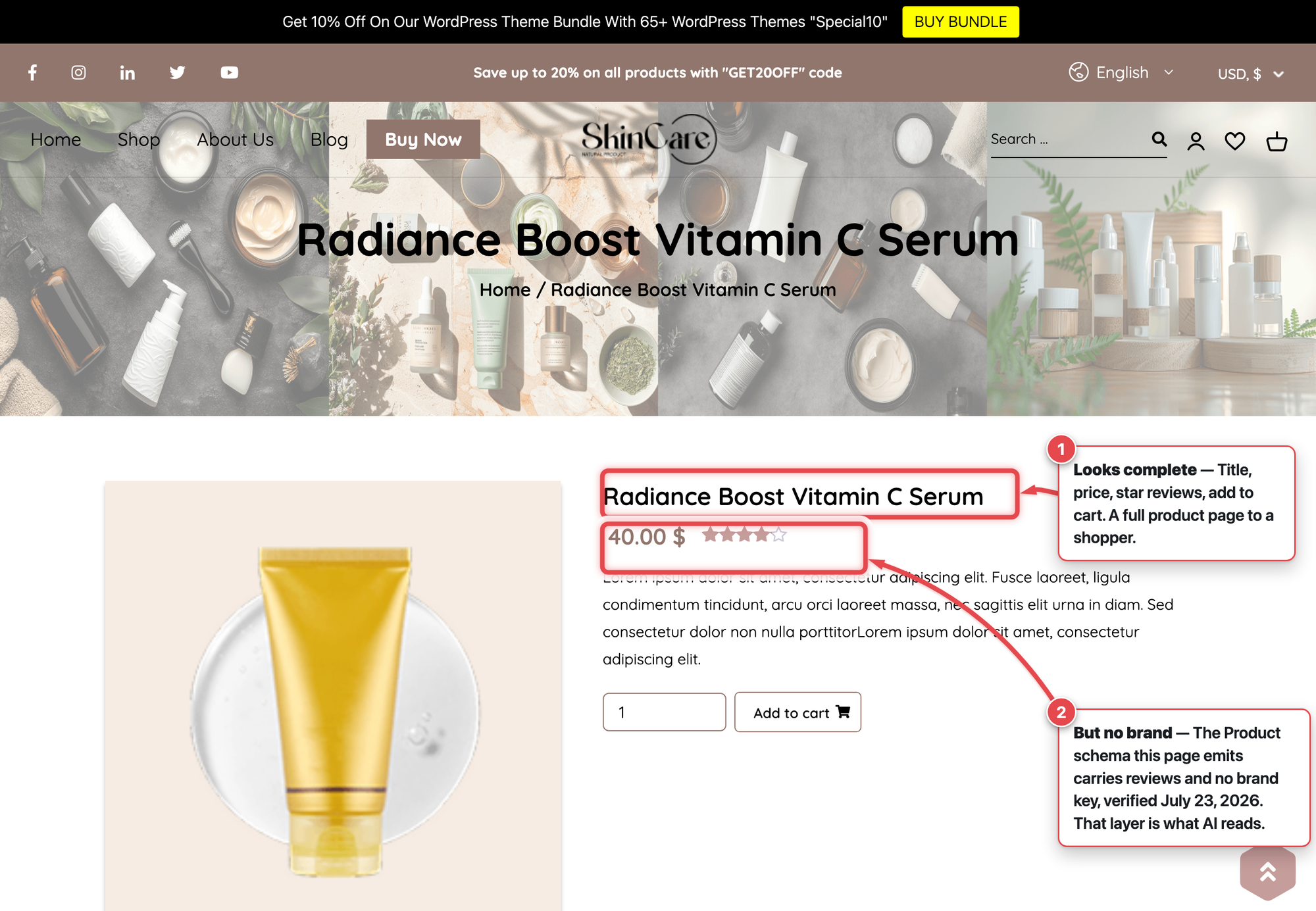
WooCommerce does emit native Product structured data. Pull the JSON-LD off a live WooCommerce 10.9.4 store and the Product node carries name, description, image, SKU, offers, and reviews, and no brand key at all, verified July 23, 2026. Brand has never been part of that default output, which is why SEO plugins surface brand-related warnings in Google's testing tools. The Brands taxonomy you enabled in 9.6 organizes your catalog. It does not fill that gap on its own.
Setting your brand in WooCommerce is not the same as putting it where AI reads
That sentence is the whole job. The brand lives in your admin. AI reads the copy that survives into schema and feed. You close the distance in 3 places.
Product.brand into the page’s structured data. An SEO plugin (or a feed mapping) is what puts the brand where Google and AI shopping engines read it.
- Product schema. Map your brand into the
Product.brandproperty with an SEO or schema plugin. Rank Math and similar tools let you set a brand value that gets written into the Product markup, which fixes the missing-brand warnings and gives engines a clean value to read. - Product feed. Google reads brand from your feed as well as your page. Its own guidance is to provide both structured data and a Merchant Center feed, because the two verify each other. Fill the
brandattribute in the feed you submit, do not leave it to be inferred. - Product title. Keep your brand token in the title itself. A title missing the brand is its own defect, and as the receipt above showed, a truncated title is where the wrong-brand answer starts.
Do all 3 and your WooCommerce AI visibility rests on a brand signal the engine can actually read, not one it has to reconstruct.
How to check whether AI can read your brand now
WooCommerce AI visibility is measurable, so confirm the fix instead of assuming it. In the SERP era you confirmed a fix with a rank check. The answer-engine version is to read what the AI actually says about your product. Mention Network's AI Visibility Check runs 5 buyer intents across 4 engines, ChatGPT, Gemini, Google AI Mode, and Claude, and shows you all 20 of 20 raw answers per product. If the brand fix worked, you see your brand named in those answers instead of a competitor's.
A quick note on expectations: schema is hygiene, not a lever you pull for citations. There is no evidence that markup alone lifts how often AI names you. What it does is remove a defect and let engines attribute your products correctly, which is the floor you have to clear before anything else matters.
If you run Shopify alongside WooCommerce today, you can run a free check and get product-level answer receipts now, while the Mention Network WooCommerce app is still coming to market. Keep your rank tracker. Add answer receipts next to it.
Frequently asked questions
Does WooCommerce have a brand field?
Yes, since WooCommerce 9.6 (January 2025) a core Brands taxonomy is enabled by default. But it is an organizational taxonomy. It does not automatically write the brand into your product schema or product feed, which is where AI shopping engines read it.
Why does ChatGPT get my WooCommerce product's brand wrong?
AI shopping engines read structured product data, not your admin screen. If the brand is missing from your Product schema, your feed, and your product title, the engine has to guess, and a truncated or brand-less title can flip the answer to the wrong brand.
Does adding brand schema get my store cited by AI?
Schema is hygiene, not a citation guarantee. Adding Product.brand removes a real defect and lets engines attribute your products correctly. Citations still depend on crawlability, feed eligibility, trust signals, and whether AI answers name your store at all.
Keep building the WooCommerce AI visibility stack: the Product Visibility pillar for store-level measurement, GEO for WordPress WooCommerce for the full product-data plumbing, the WooCommerce AI visibility checklist for a deeper audit, and connect WooCommerce to Claude with MCP when you want an agent reading your catalog directly.