How to generate your brand free AI visibility report on Mention Network
A step-by-step guide to generating your free AI Visibility Report on Mention Network and seeing how ChatGPT, Gemini, Google AI, and other engines mention your store and products.


When a shopper asks ChatGPT for the best running shoes, or asks Gemini where to buy a standing desk, does your store come up? That's what AI visibility measures, and it now decides a real slice of buying decisions. Mention Network lets you check where you stand in a few minutes. This guide walks you through your first AI Visibility Report, the free way into the platform.
About Mention Network
Mention Network is the AI-visibility platform built for e-commerce. Instead of counting page clicks or keyword rankings, it measures how often, how accurately, and in what context ChatGPT, Gemini, Google AI, and other engines mention your brand and products. Then it shows you why, and helps you fix it: measure, then diagnose, then fix.
What the report measures
The report works across two layers. Brand AI Visibility asks whether AI names or recommends your store when a shopper asks about your category, and what it says about you when asked directly. Product AI Visibility goes narrower. It checks whether AI suggests your specific products when someone describes a need, including the where-to-buy answers that send shoppers to a store.
What you get back
All of it lands in one AI Visibility Report. You'll see:
- How often AI names you across LLMs
- Whether it describes your brand and products correctly
- Sentiment and narrative tone
- Share of Voice against your competitors
- Which categories and questions trigger a mention
That tells you where you stand and where the gaps are.
From measuring to fixing
Plenty of tools stop at showing you your rank. Mention Network is built to keep going. The store audit explains why AI isn't picking you, then drafts the fix for your product page so you can apply it in your store admin, with a preview and your approval before anything goes live.
A visibility layer for AI-driven shopping
AI answers increasingly shape what people buy, so you need a way to see how those answers describe you. Mention Network turns AI perception into something you can measure, track, and improve, which is the groundwork of any GEO strategy.
💡Learn more: How to optimize your store for ChatGPT shopping
How to check your Brand’s AI visibility for free on Mention Network
Want to know how visible your store really is to AI? With Mention Network, it takes about 6 steps. You'll see where you show up across AI platforms, where you don't, and what to do about it.
Step 1: Log in to Mention Network
Start by visiting Mention Network. You’ll see multiple login options:
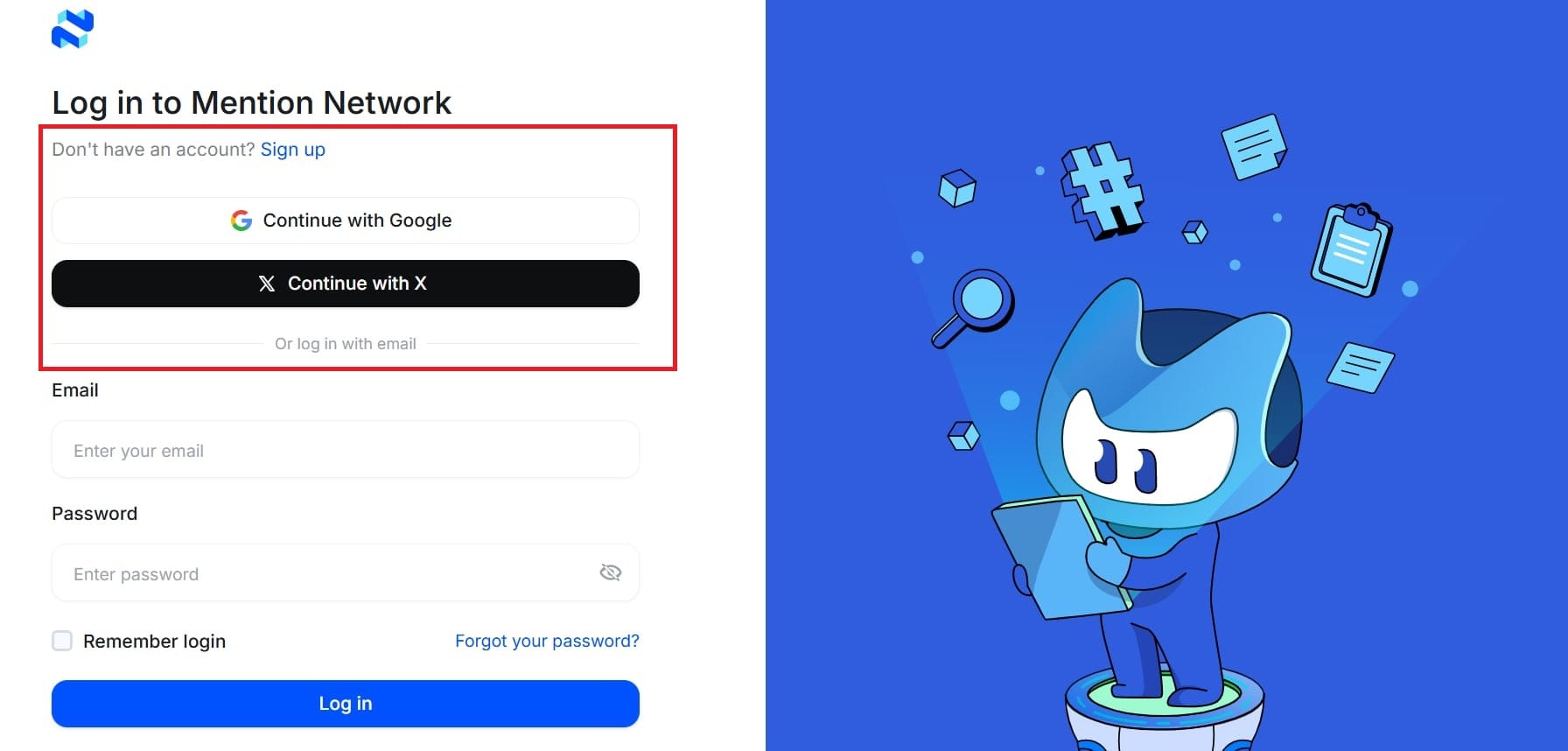
- Continue with Google
- Or Continue with X (formerly Twitter)
- Or sign up with your email address
Pick whichever's easiest. Access is quick, so you can start generating reports without any setup.
Step 2: Enter your website URL
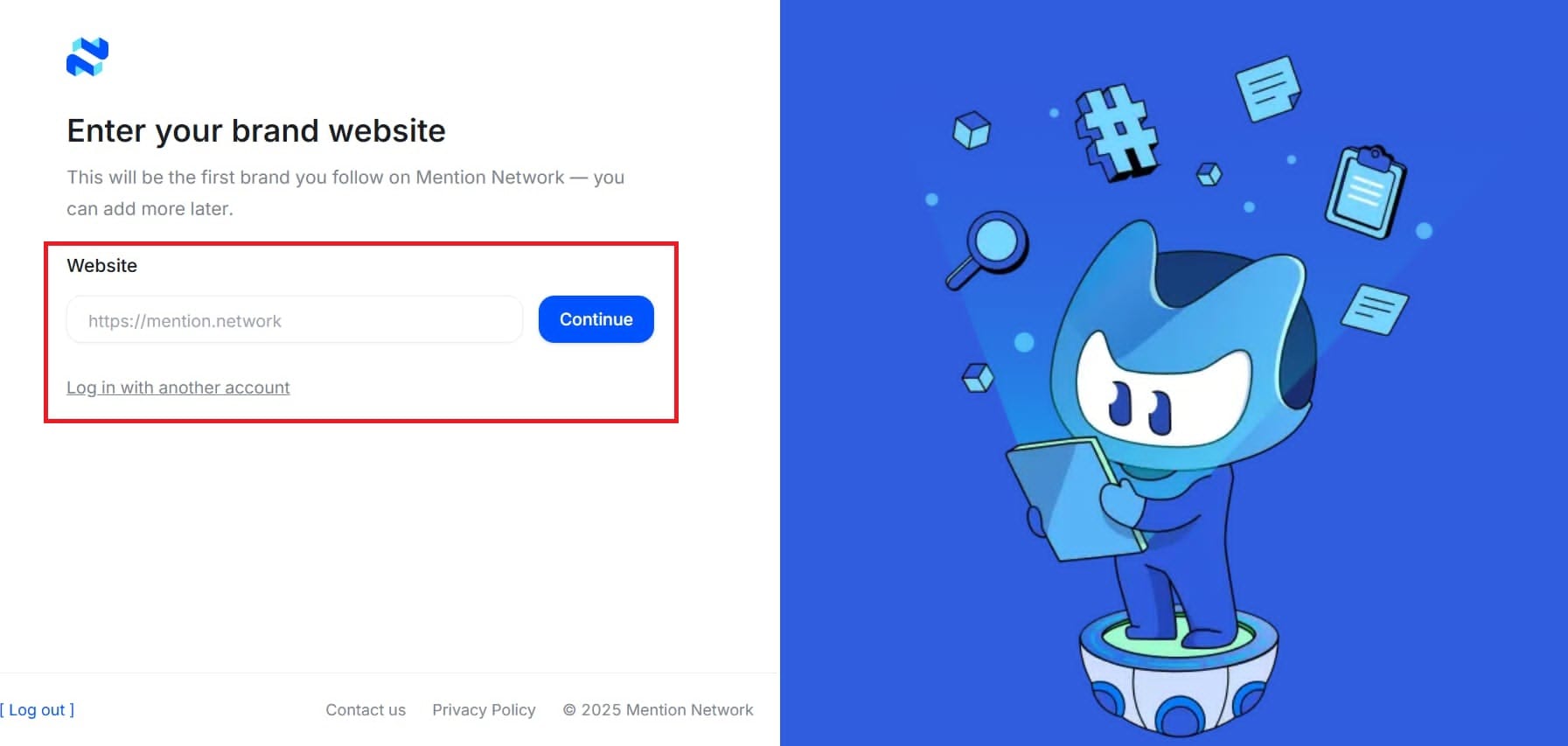
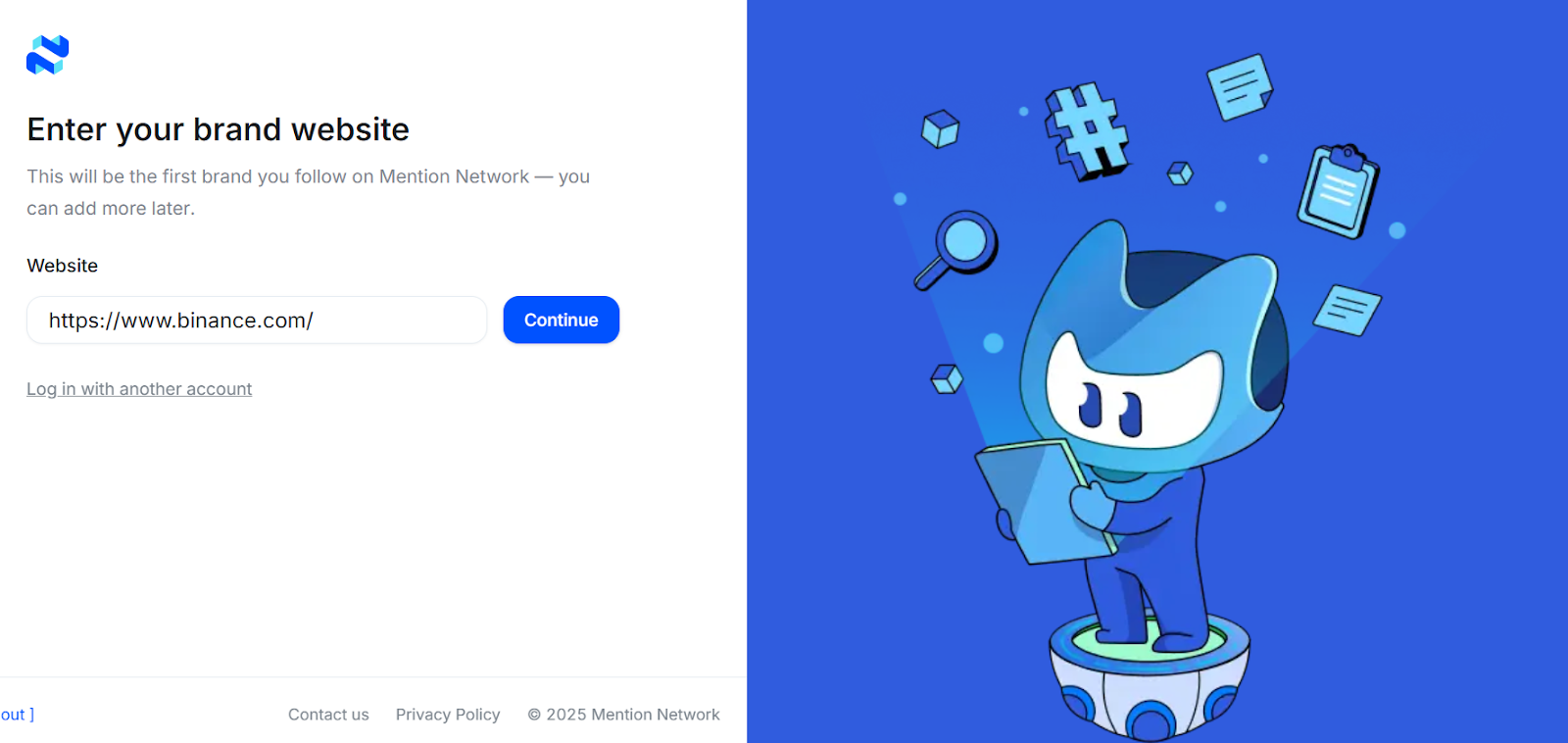
After logging in, you land on the dashboard. Paste your website link, the URL Mention Network analyzes to see how your brand shows up across major AI models.
Then click Generate Report. The system starts mapping your mentions across ChatGPT, Gemini, Google AI, and other LLM sources.
Step 3: Choose an industry or major
You'll then be asked to select the industry or major that best represents your website. Mention Network uses this to place your brand visibility against the right set of competitors.
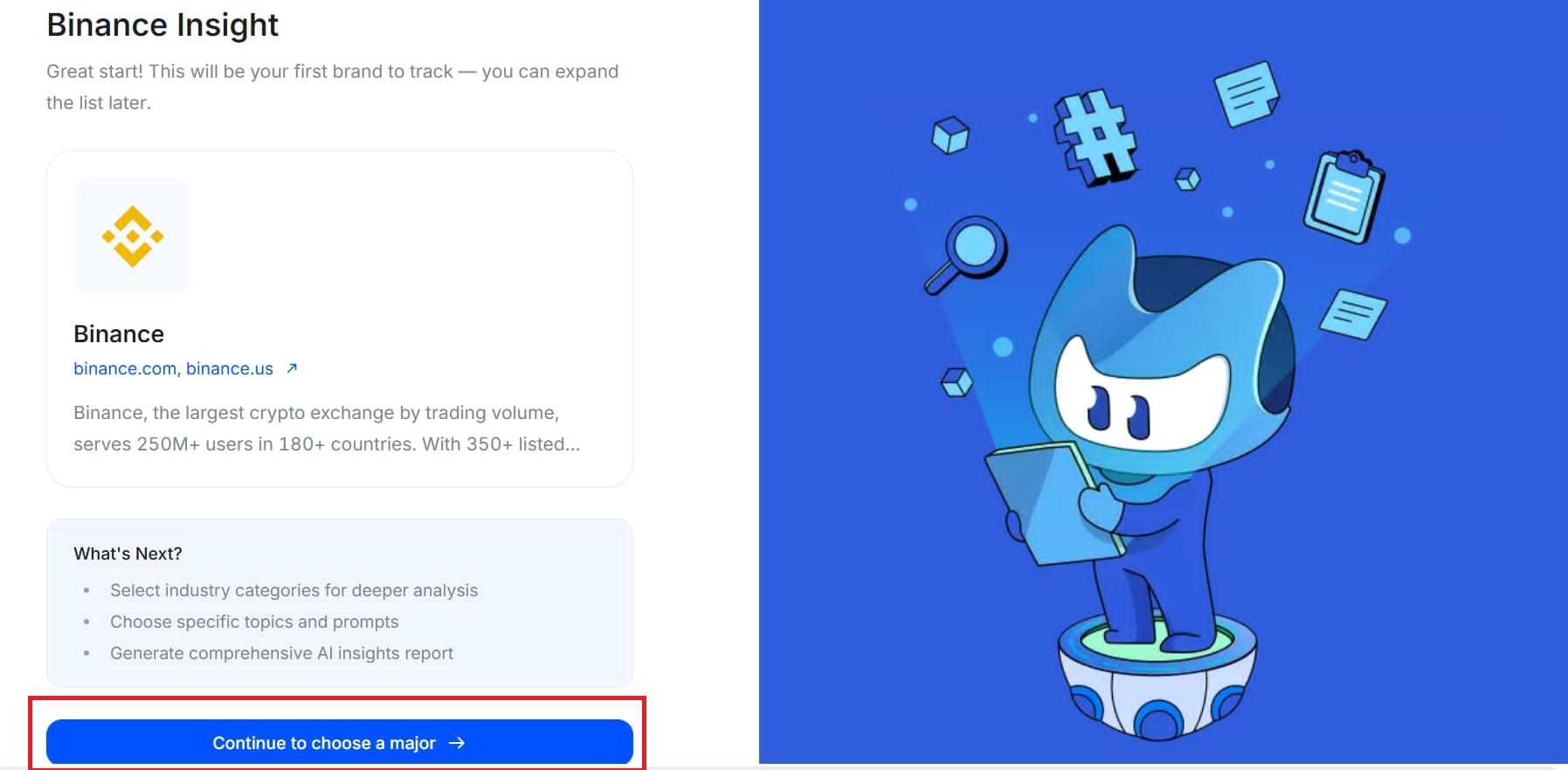
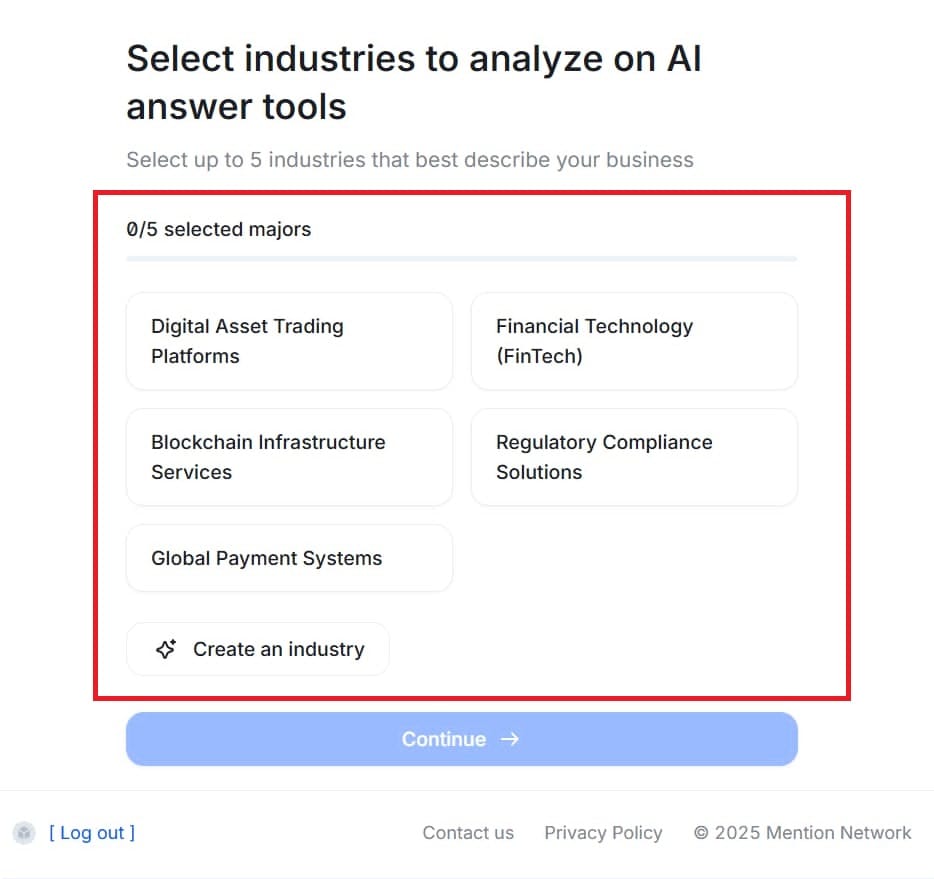
- You can choose from the suggested list of industries.
- Or, if your niche isn’t listed, simply create your own category.
This ensures your report reflects your true market position.
💡Learn more: How to Get Cited by AI: A Marketer’s Guide to Winning in AI Search
Step 4: Choose topics you want AI to analyze
After selecting your Industry or Major, you will move to the topic-selection step. Here, Mention Network provides a few recommended topics based on your field, and you can also create your own if you want more control.
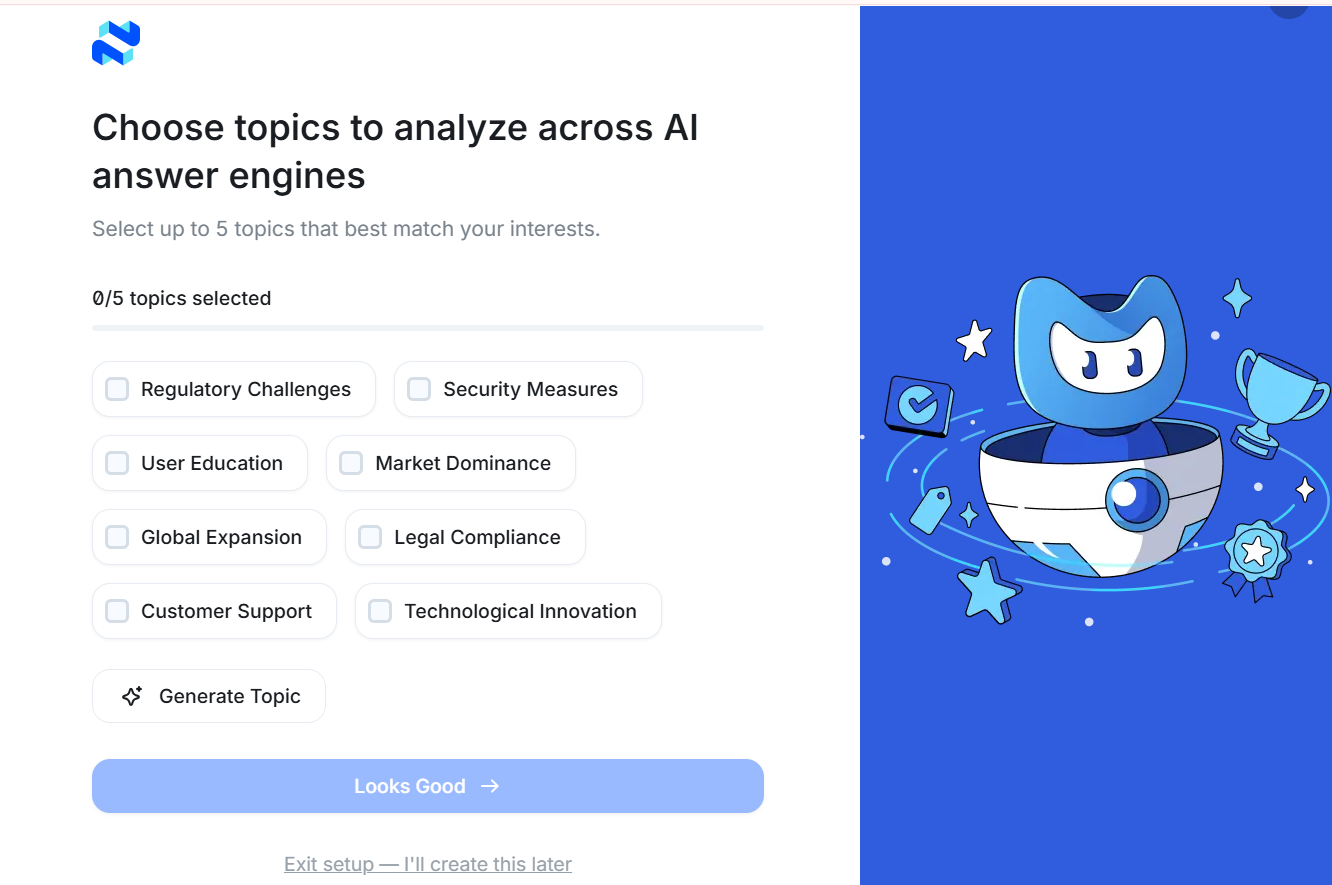
Simply select up to five topics that best match what you want the AI to analyze. These choices help the system understand the angles, concerns, or competitive areas you care about so the AI Visibility Report can generate more accurate and meaningful insights.
Once you're done, click Looks Good to continue.
Step 5: Wait for your report to generate
Once you confirm your industry, the analysis starts. Mention Network queries the major AI engines, ChatGPT, Gemini, Google AI and others, then compiles your report from how each one mentions and describes your brand.
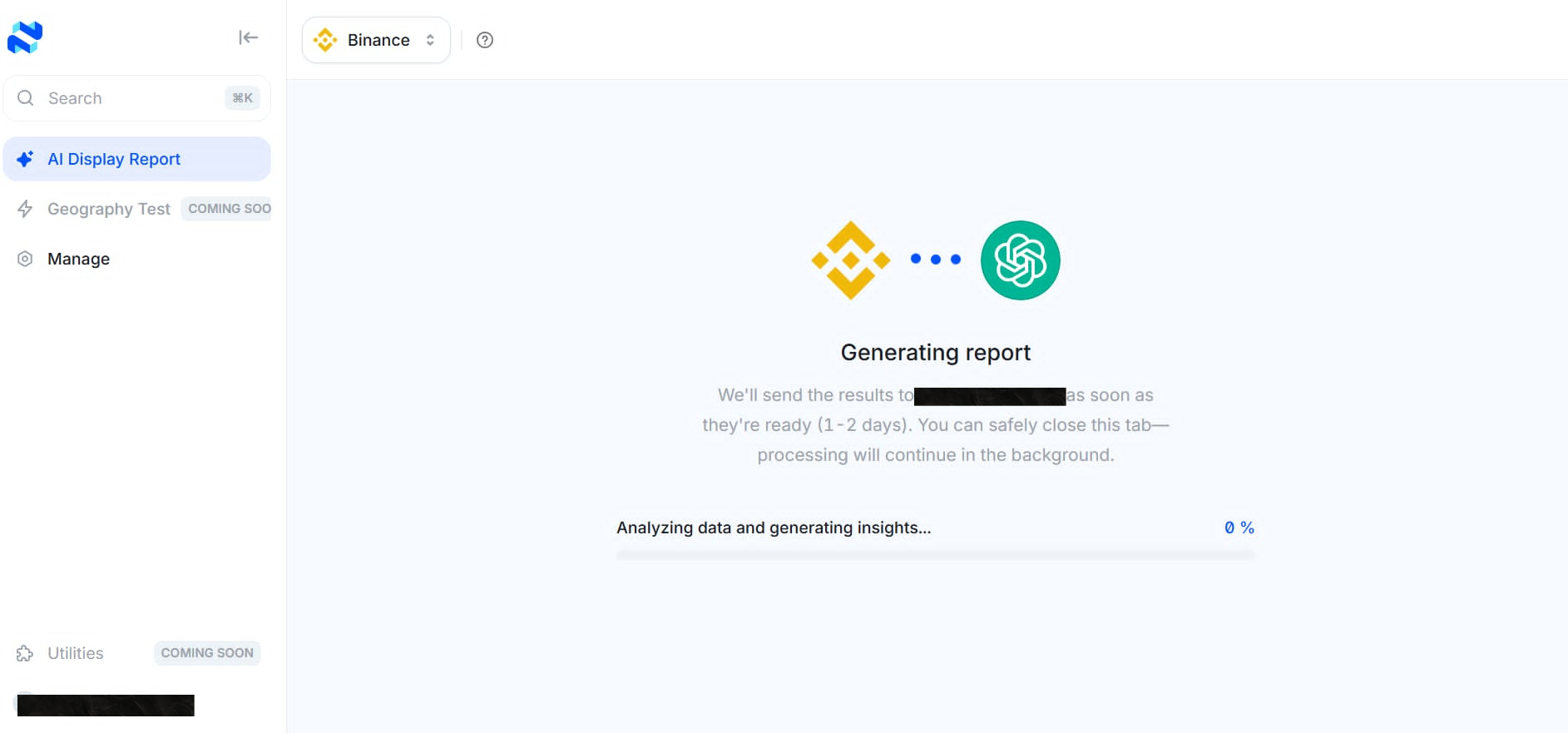
Running the prompts and building an accurate picture takes a little time, but it's worth the wait. Soon you'll see the AI models recognizing and describing your brand in their answers.
Step 6: Read and interpret your report
Once your report is ready, you’ll see a breakdown of how AI platforms understand and mention your brand. Every metric plays a role in shaping your AI Visibility Score, from accuracy and sentiment to competitor Share of Voice.
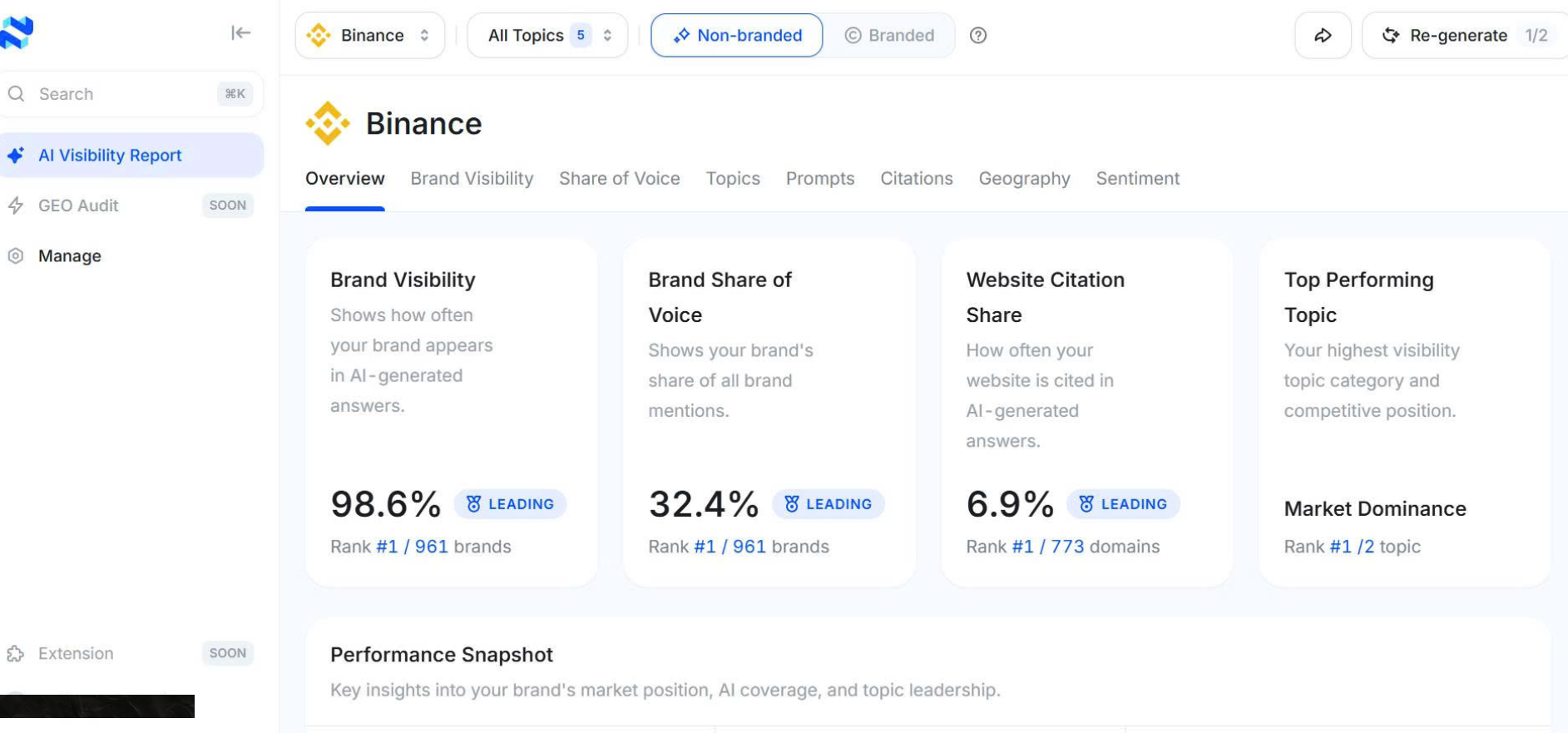
To help you understand the structure and meaning of each section, we’ve included a reference guide below based on the Binance AI Visibility Report. It walks you through exactly how to read and analyze your results.
💡Related topic: How AI Visibility Data Flows Through Mention Network to Build Smarter Brands
Your first two reports are free. Generate yours and see how AI describes your store.
FAQ
Is the AI visibility report really free?
Yes. Every account gets two free AI Visibility Reports to see how major AI engines mention and describe your brand. No credit card, no demo call, no contract.
What data does Mention Network use to generate the report?
The report comes from querying the major AI engines, ChatGPT, Gemini, Google AI and others, with prompts about your category and brand, then recording what each one says. You're seeing what AI actually tells shoppers.
How long does it take to receive my report?
Most reports are generated within a few minutes, depending on your website and selected topics. You’ll see the results automatically once processing is complete.
Do I need technical or GEO knowledge to understand the report?
Not at all. Each section is explained clearly, and we include a reference guide to help you interpret your AI Visibility Score and your competitive position.